 Product Scheduler
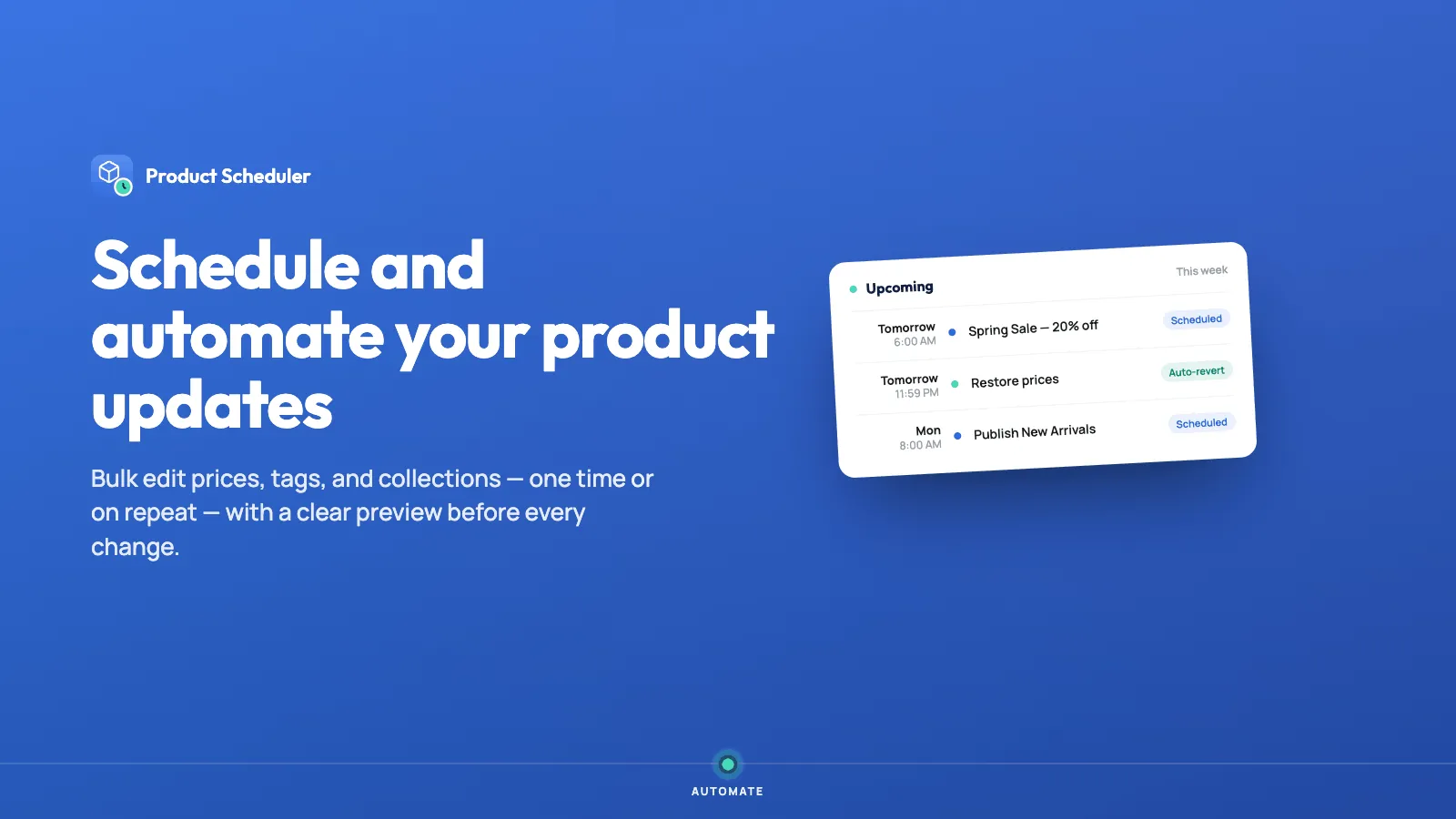
Save time by scheduling and automating product updates.
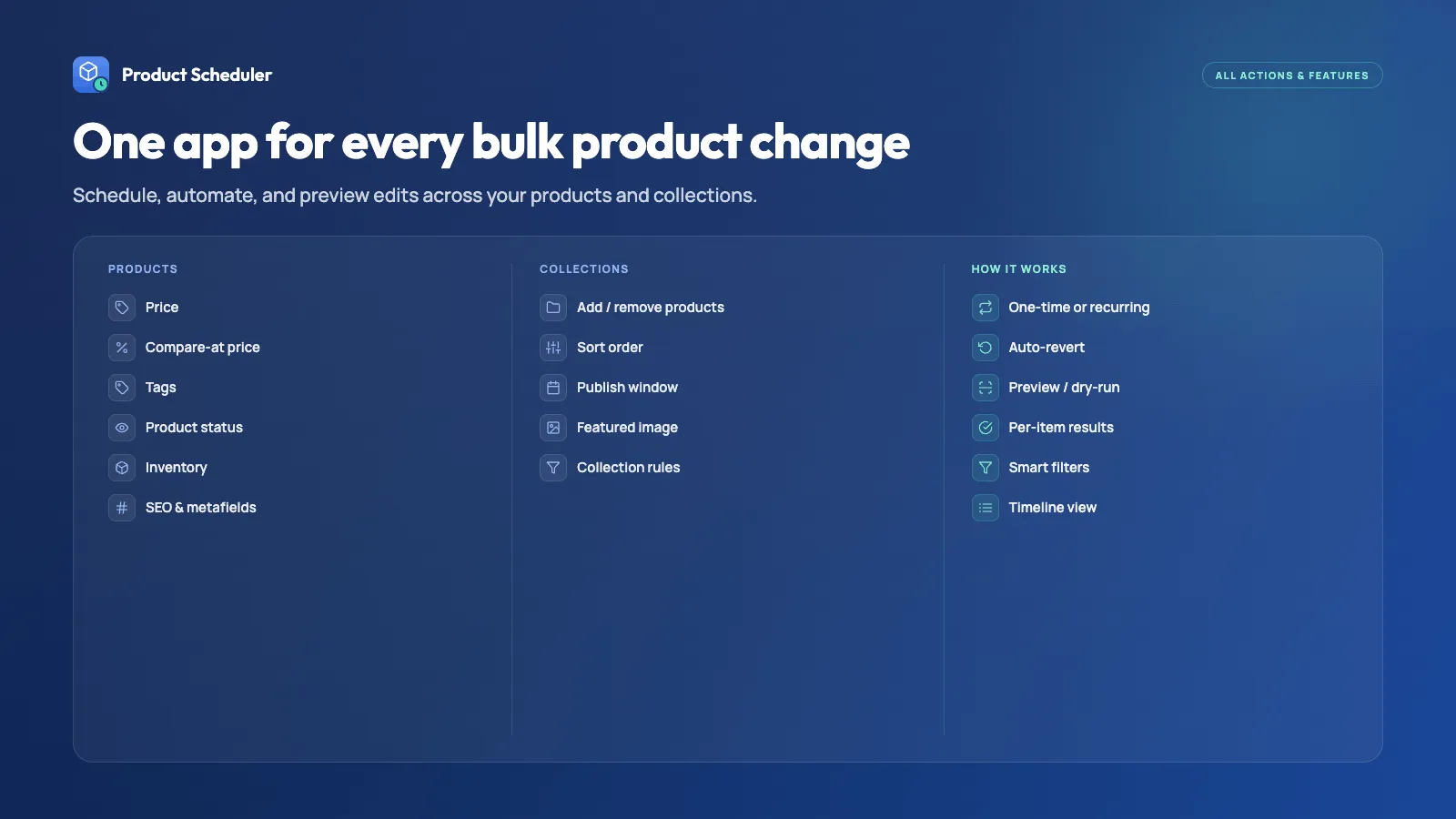
Schedule product and collection changes such as media, inventory, pricing, tags, and status. Publish, draft, archive, and manage tags at a time you choose — for campaigns, seasonal products, and catalog updates, without manual errors.
Everything you need
Draft helper
Schedule products to publish, go to draft, or archive at a specific time.
Tag scheduling
Add or remove tags on the products you pick, so sale and seasonal tags change themselves.
Channels, copy, and media
Schedule sales channels, titles, descriptions, and media for products and collections.
Collections and repeats
Schedule collection sorting, and set a recurring schedule so the same change can run again.
Price automation
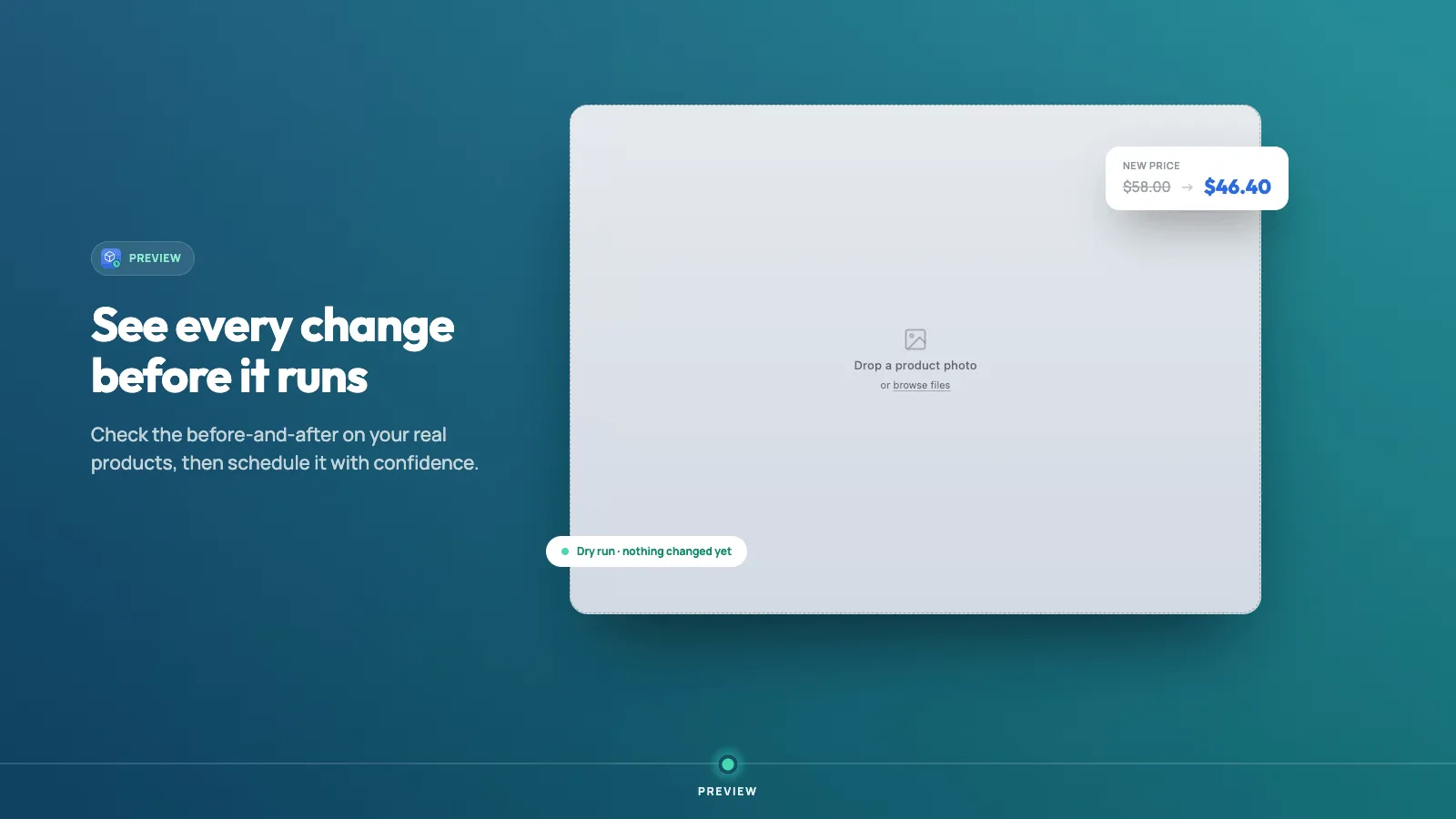
Increase, decrease, or set a price, then set the decimals or round it.
Batch scheduling
Demo batches up to 50 products at once. Advanced has no product limit per schedule.
See it in action
Loved by merchants
“A highly innovative product combined with exceptional customer support. It is far superior to other apps offering similar features.”
“It makes scheduling product updates and managing tags incredibly easy and flexible. A huge time-saver that keeps everything running smoothly.”
“Very useful app! Makes scheduling product updates and tags simple, saves time, and works smoothly.”
Simple, transparent pricing
Demo
$4.99 /mo
- ✓ Schedule 10 product updates
- ✓ Basic action scheduling
- ✓ Select individual products to schedule
- ✓ Schedule product detail changes
- ✓ Schedule collection changes
- ✓ Batch schedule up to 50 products at once
- ✓ Standard live chat support
Advanced
Popular$9.49 /mo
- ✓ Unlimited product update scheduling
- ✓ All actions scheduling
- ✓ Schedule both products and collections
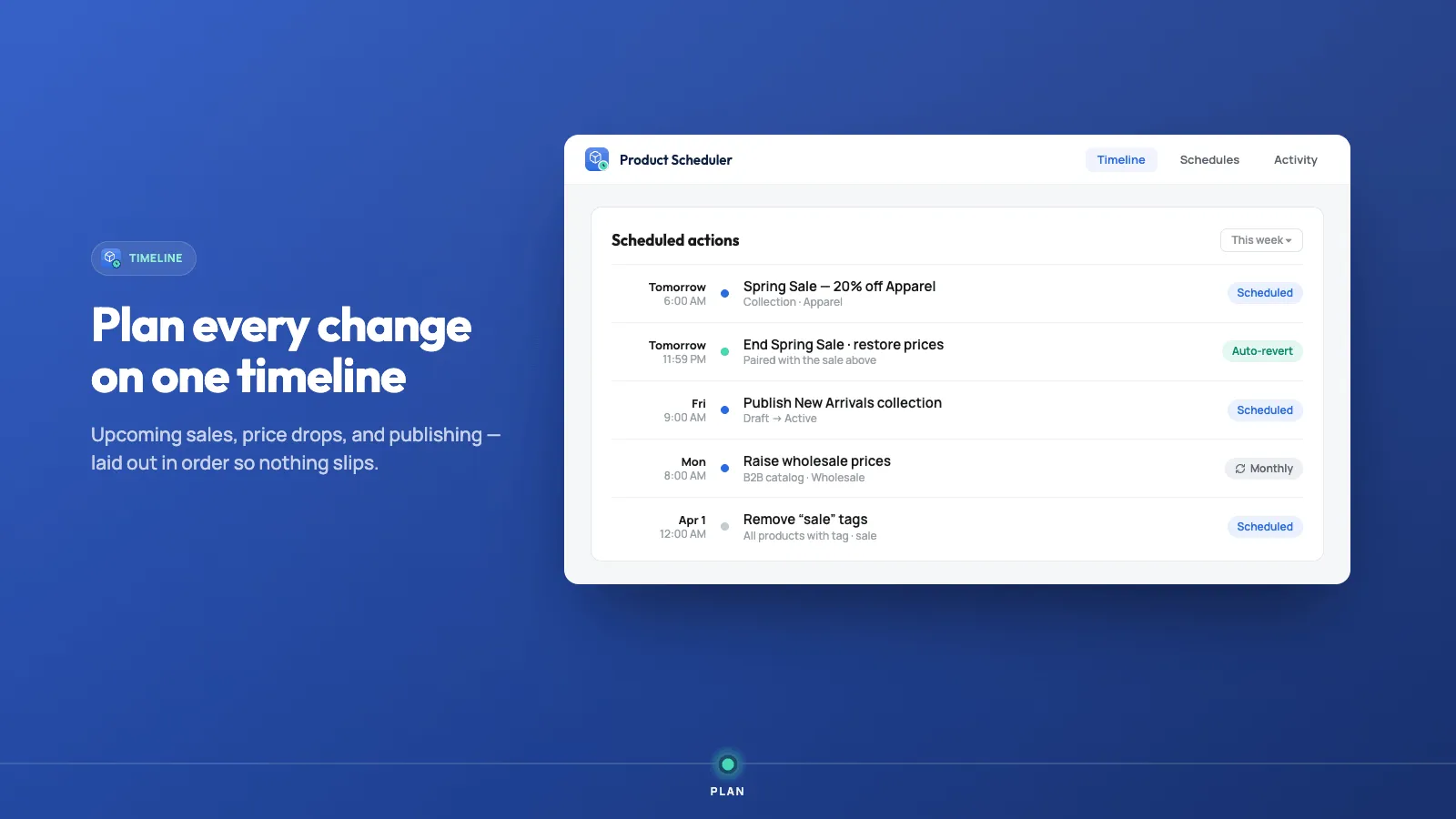
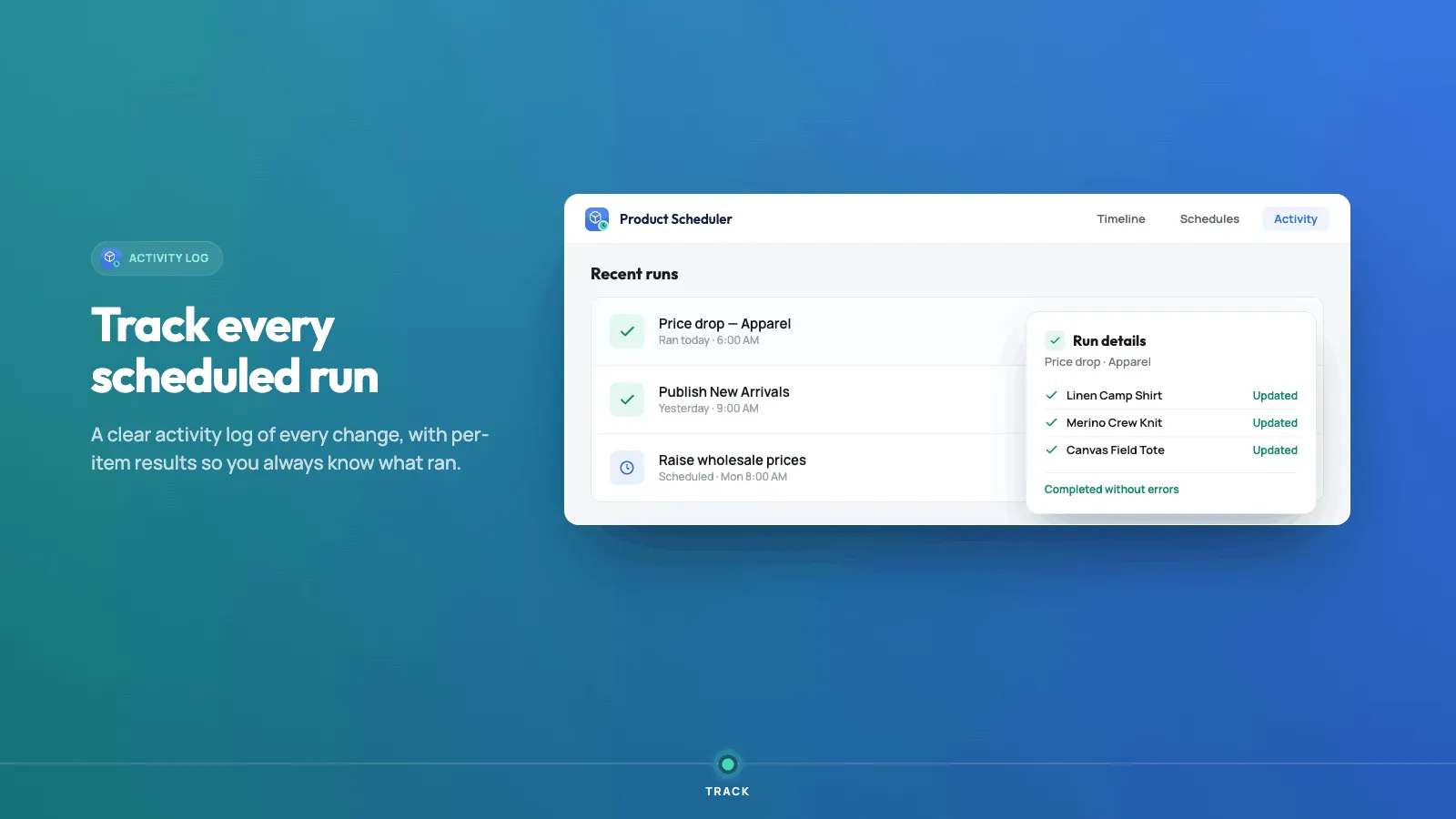
- ✓ Scheduling timeline
- ✓ Schedule collection assignments and changes
- ✓ Schedule product detail updates
- ✓ No product limit per schedule
- ✓ Priority live chat support
What changed
Changes that matter when you use Product Scheduler. A new note is added when something is ready for your store.
Lowest price from the last 30 days
- Shoppers can see the lowest price a product had in the last 30 days, on the product page.
- That figure follows the variant the shopper is viewing.
- In the admin, Price compliance uses the product and variant names.
- A scheduled custom field can be a date, a link to another item, or a translation, as well as ordinary text.
Times follow your store
- Dates and times in the app use your store’s timezone, not UTC.
A schedule list you can filter
- Open schedules in one list and filter them by status.
- Manage a schedule from that list.
Compare-at price can stay blank
- On an all-in-one product edit, leave compare-at price empty to keep the current compare-at price.
More on the smaller plan
- Demo can schedule a featured image, a product media update, and a product SEO change.
- The extra product filter on top of a selection is not on the form. Use Advanced selection to target products with rules.
Image fields and a schedules page
- Schedule an image field on a product.
- Open schedules on their own page. Insights stays the overview of what you have scheduled.
Archive a finished schedule
- Move a finished schedule into an archive so the active list stays short.
Repeats you can actually pick
- A repeat is daily, weekly, every two weeks, or monthly. Hourly is not offered.
Unlist a product
- Unlist a product on a schedule so it leaves the storefront without being deleted.
Product photos and video
- Update a product’s images and video as a scheduled action.
SEO title and description
- Schedule the SEO title and description on a product or a collection.
Variant inventory
- Edit each variant’s inventory while you prepare a product schedule.
Variant price and compare-at price
- Edit variant price and compare-at price in a product schedule.
Duplicating a schedule
- If a copied action is already in the past, its time moves to one hour from now instead of running immediately.
Insights
- See how many schedules you have, which actions you use, and what is still coming.
Choose products with rules
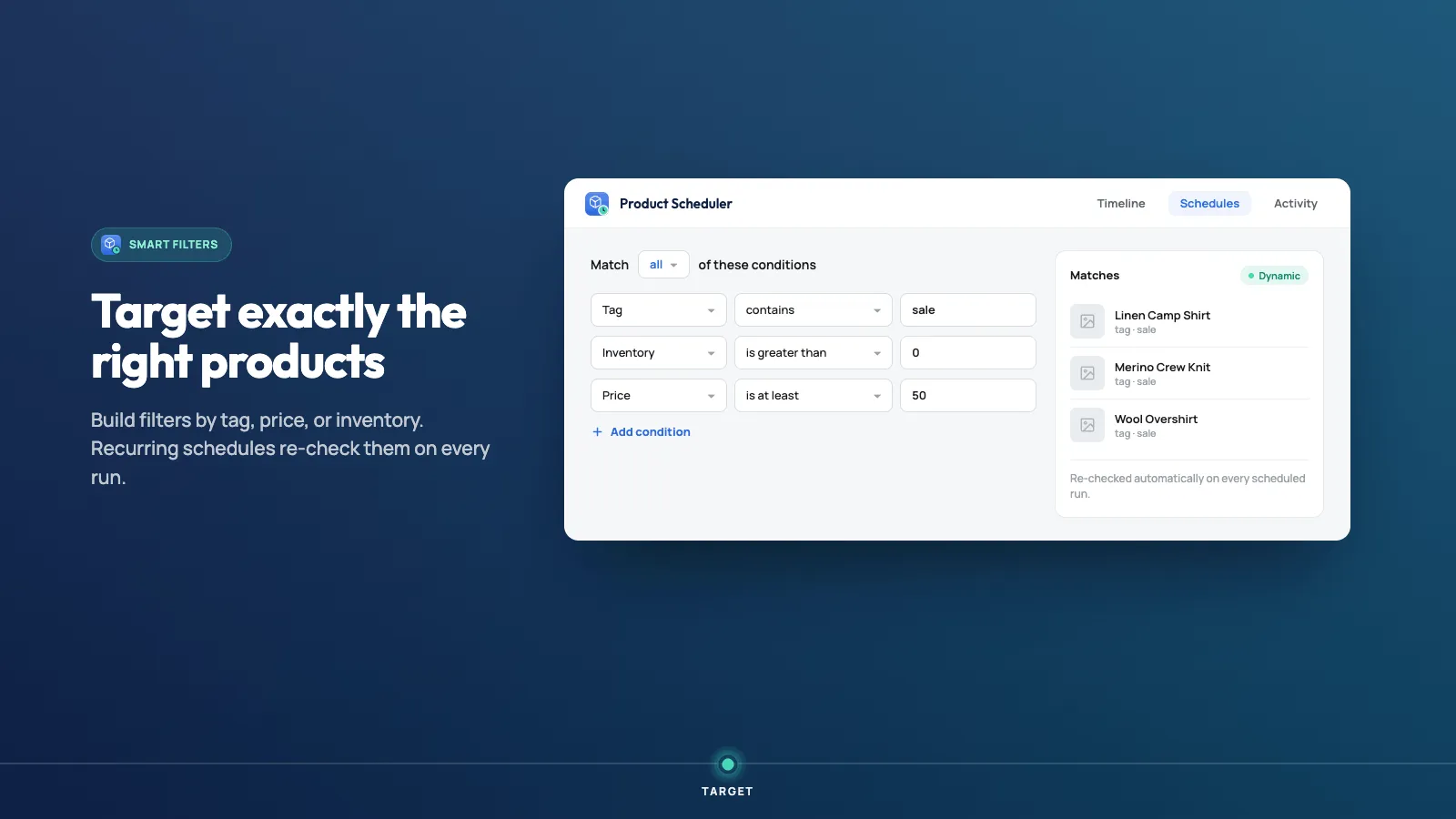
- Advanced selection matches products by title, type, vendor, tags, status, price, inventory, and dates.
- Preview the products that match before you save.
- The app marks this Beta.
Price lists
- Schedule price-list changes: add fixed prices, update them, update them by product, or remove them.
The admin in more languages
- The admin is available in English, Spanish, French, and German.
Which price changes
- When you change a price, choose the price, the compare-at price, or both.
Featured image and collection order
- Set a featured image on a product or a collection.
- Reorder the products in a collection on a schedule.
Several product details in one pass
- An all-in-one schedule can update media, vendor, and product type together.
Reverse a change
- Duplicate a schedule and reverse actions that have an opposite, such as publish and archive, or add tag and remove tag.
- Deleting a product has no reverse.
Stop a repeat
- Stop a repeating schedule before its remaining runs.
Frequently asked questions
What can I schedule? +
Product and collection changes such as media, inventory, pricing, tags, and status. That includes publish, draft, and archive, adding or removing tags, sales channels, titles, descriptions, collection sorting, and price increases, decreases, a set price, decimals, and rounding.
Can I schedule a sale and its end together? +
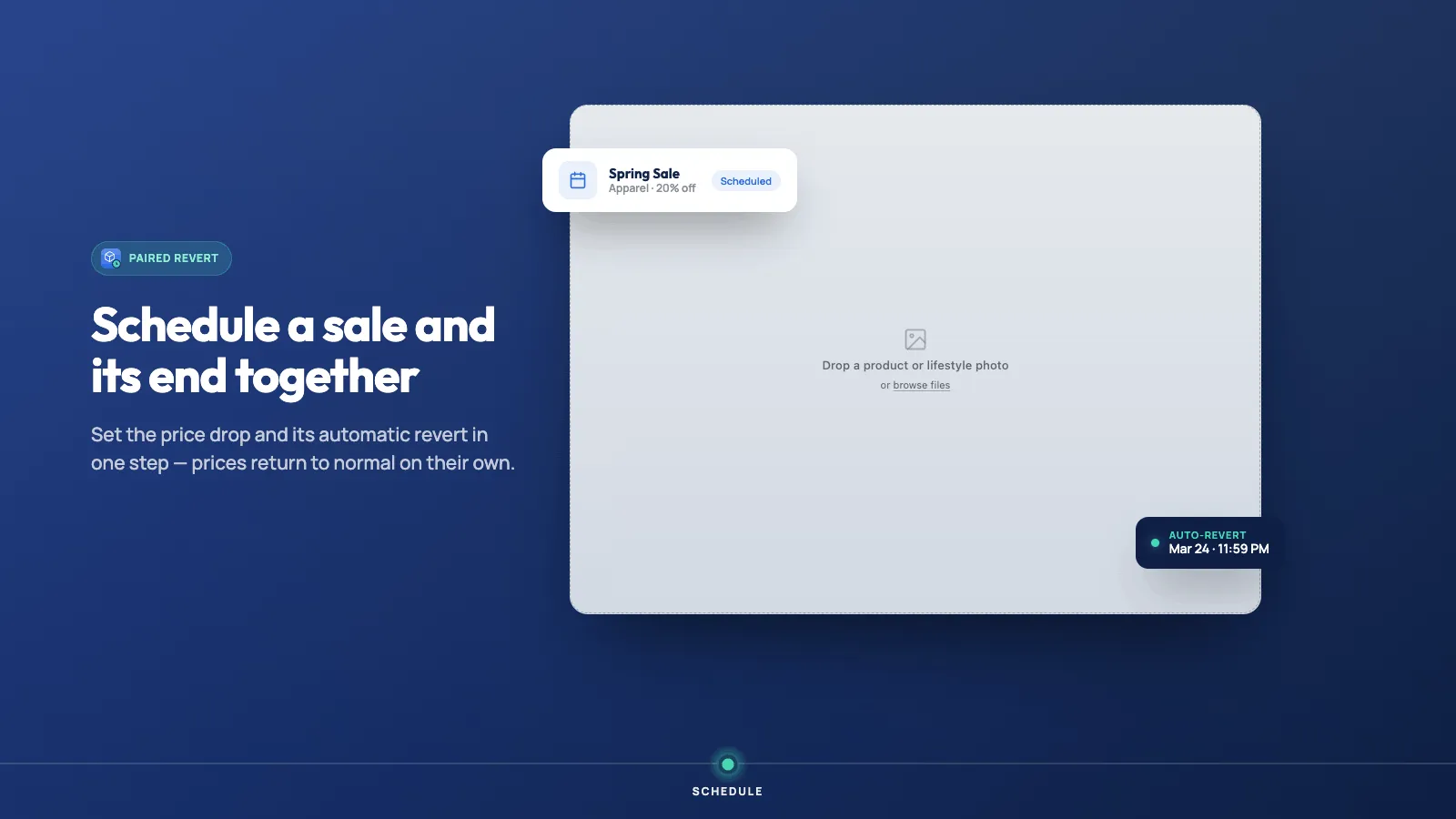
Yes. Put the sale and the restore on one timeline, each at its own time. You can also duplicate a schedule and reverse actions that have an opposite, such as adding a tag and removing it. Deleting a product has no reverse.
Does it work on collections too? +
Yes. Schedule collection sorting, collection assignments, and other collection changes alongside product updates. Advanced schedules both products and collections.
How many products can one schedule cover? +
Demo schedules 10 product updates and batches up to 50 products at once. Advanced has unlimited product update scheduling and no product limit per schedule.
Is there a free trial? +
Yes. Demo is $4.99 a month and Advanced is $9.49 a month. Both include a 3-day free trial. There is no free plan.
Can a schedule repeat? +
Recurring schedules are part of the app. On Advanced a schedule can repeat daily, weekly, every two weeks, or monthly. Demo runs a schedule once.
Can one schedule change the price and then change it back? +
Yes. Put the sale price on the start and the normal price on the end. You do not need two products.
The sale started and one product was skipped. What now? +
Open that schedule and check the product is still in the selection. A product added after you saved is not included until you add it.
Where do finished schedules go? +
Archive them. The active list is for schedules that have not run yet.
Can I copy a schedule? +
Yes. Duplicate it, then change the products or the time. The copy does not run until you save it as its own schedule.
Can the end of the schedule remove the tag? +
Yes. Add the tag at the start and remove that same tag at the end. You do not need a second product.
Will this change the price as well? +
Only if you set a price in the same schedule. Leave price blank if the tag is the only change.
Ready to try Product Scheduler?
Save time by scheduling and automating product updates