 Cartify
Let customers shop in more than one cart and share them.
Signed-in customers keep more than one cart, save one for later, and share a link that rebuilds it. Add a drawer to the storefront and suggest an add-on inside it — the listing calls that suggestion Magic Cart. The published plan is free.
Everything you need
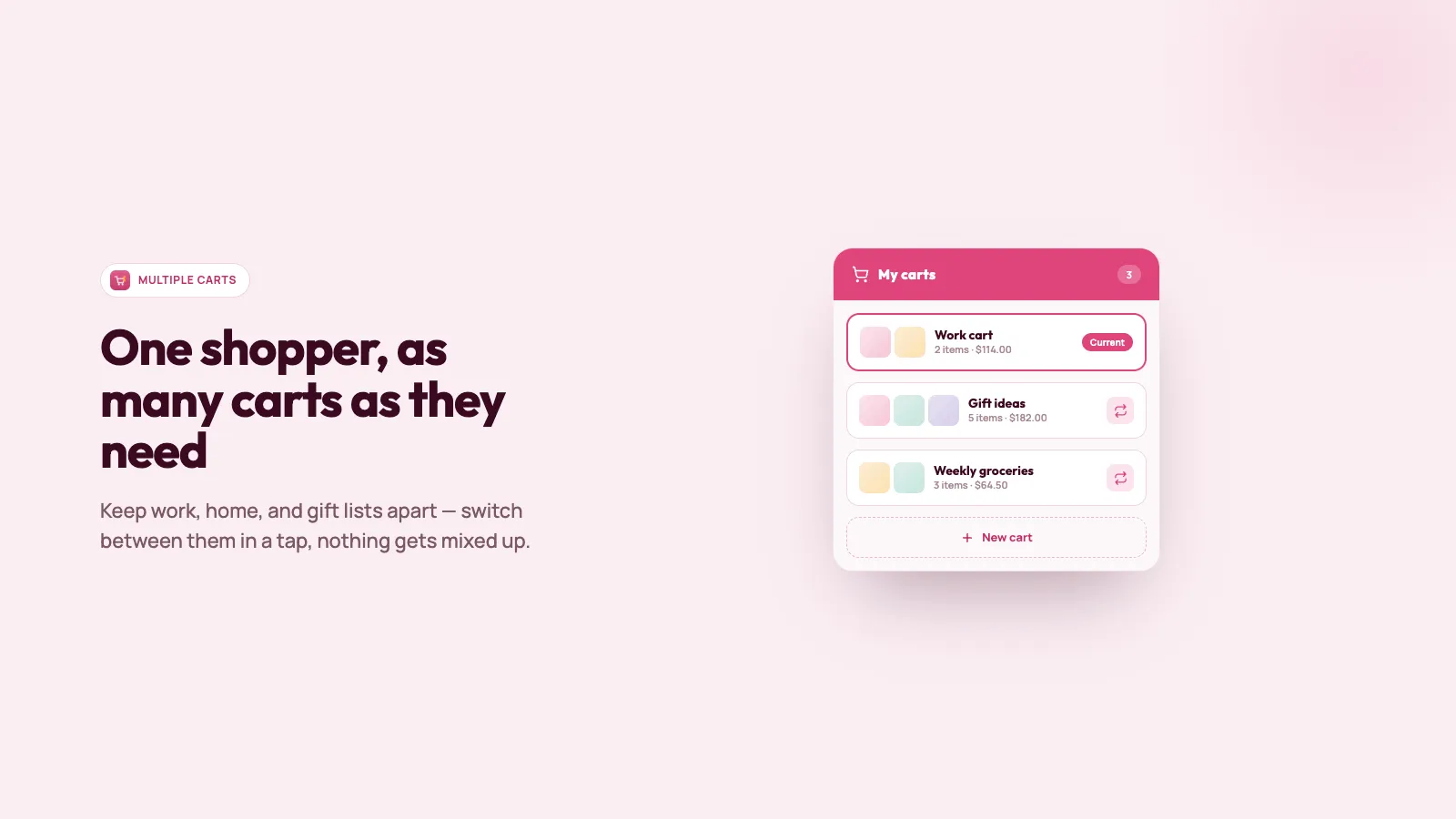
More than one cart
A signed-in shopper can keep separate carts — a gift, a restock, a project — instead of one shared bag.
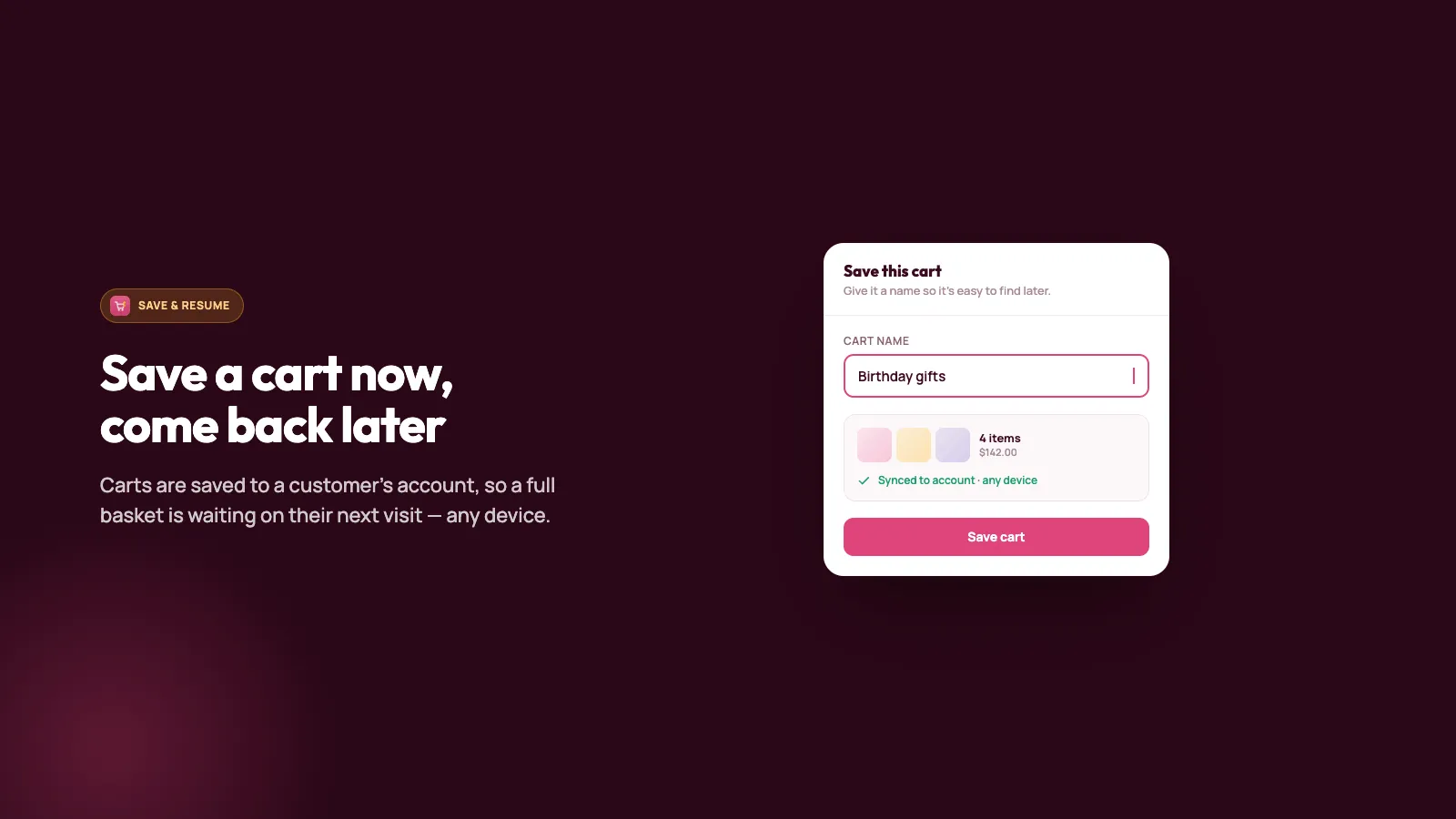
Save for later
They name the cart they have now and open it again from the drawer, including on the next device they log in to.
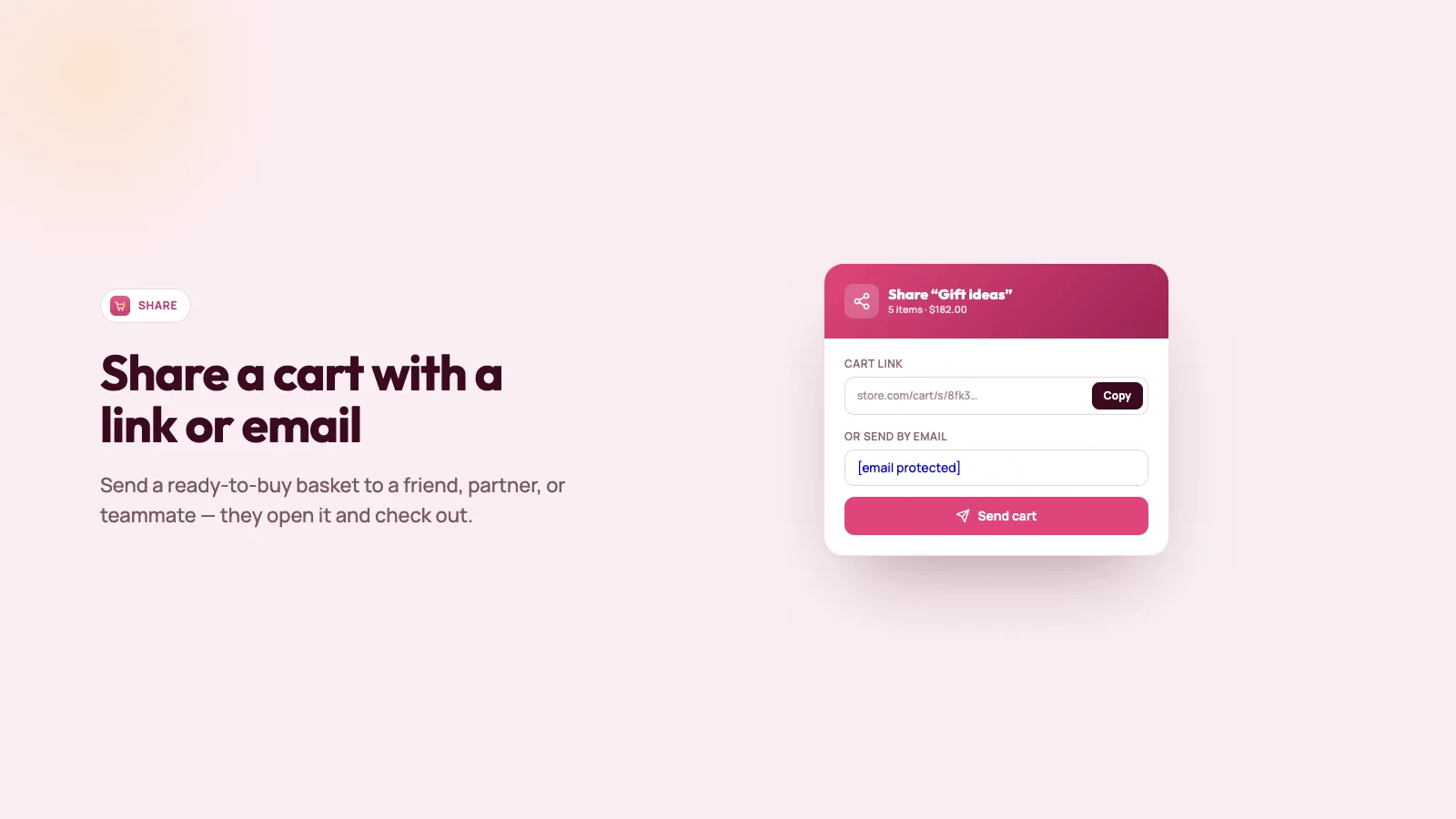
Share a link
Copy a link to a saved cart. Whoever opens it gets those products and quantities on your store.
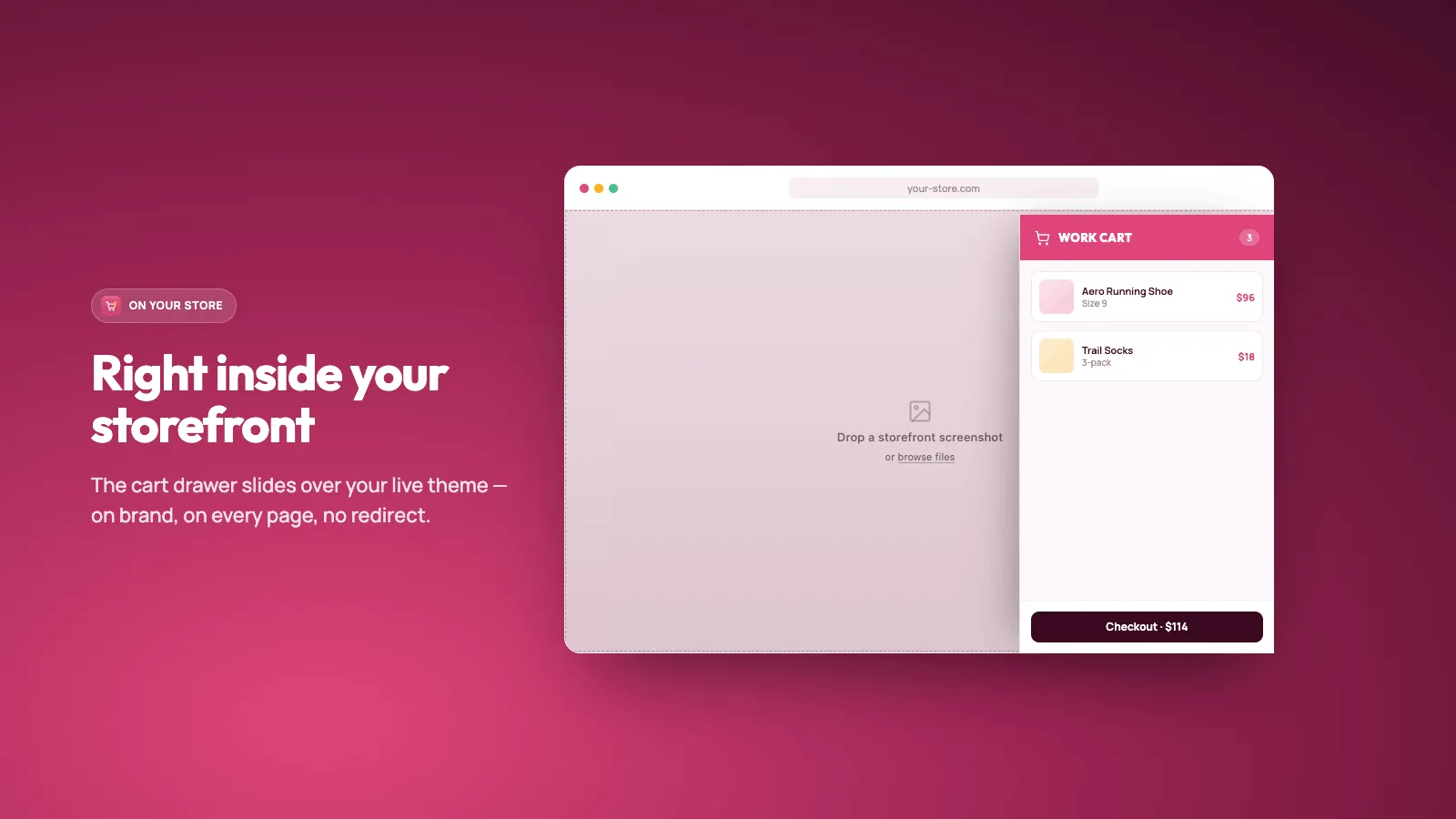
A cart drawer
Turn on a drawer from the theme editor. Shoppers save, switch, and check out from that drawer.
An add-on in the drawer
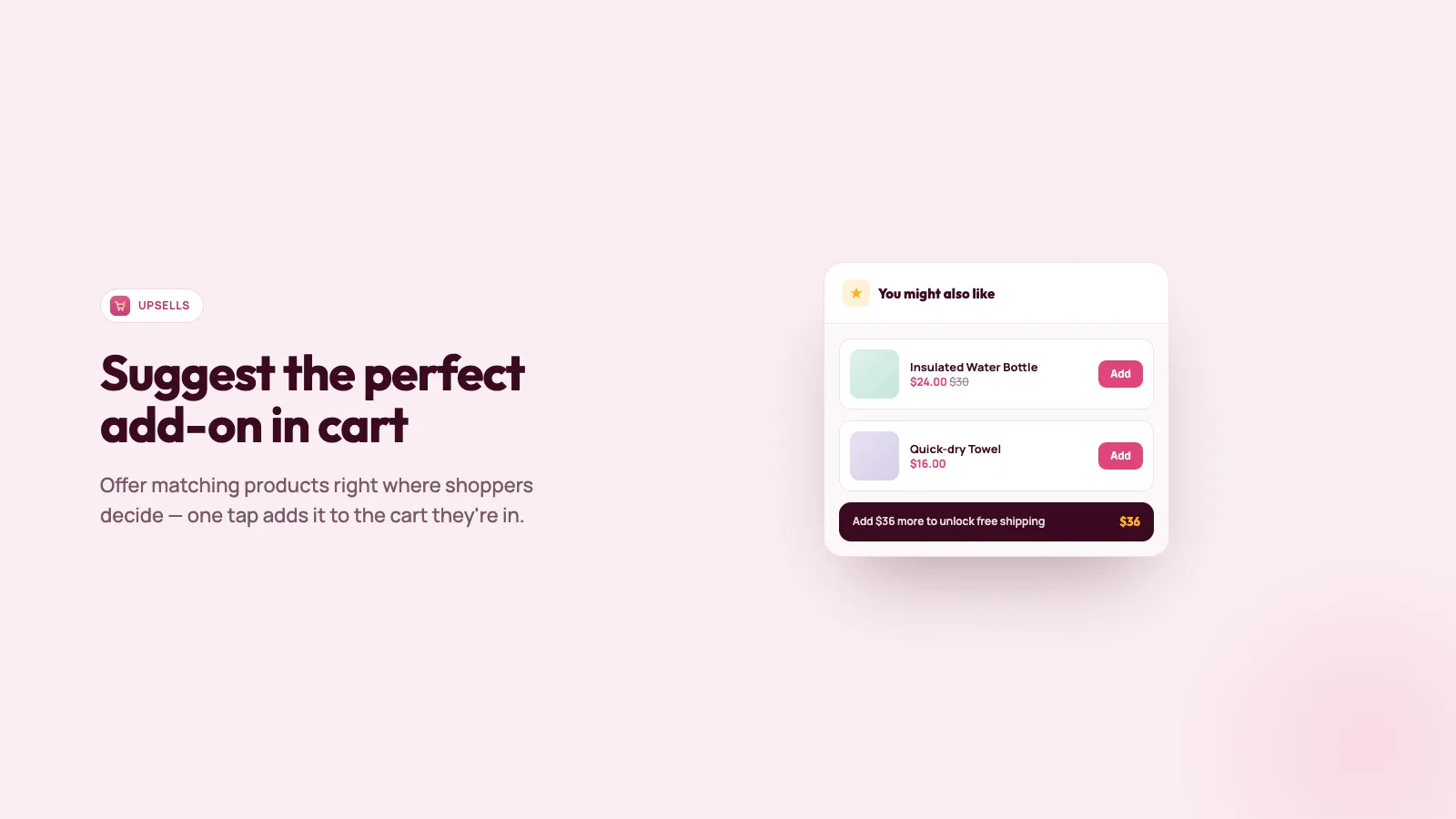
Suggest one product when something already in the cart should bring it up. The listing calls this Magic Cart.
See it in action
Simple, transparent pricing
Free
Popular$0
- ✓ Named carts a customer can switch
- ✓ Share a saved cart by link
- ✓ Cart drawer on the storefront
- ✓ One offer in the drawer
What changed
Changes that matter when you use Cartify. A new note is added when something is ready for your store.
Offers in the cart drawer
- An offer sits with the items in the drawer, where the shopper can add it.
- The offers list shows how many offers you have and how many are turned on.
- Editing an offer shows the picture and name of each product that triggers it.
Suggest a product from the cart
- Create an offer in the admin: the product to suggest, the products that bring it up, and an optional price or percent shown on the card.
- Shoppers see that suggestion in the drawer when a trigger product is already in the cart.
Carts a customer can name and share
- A signed-in customer can keep more than one cart.
- They can name a cart, switch to another, and copy a link.
- Opening the link loads those products into the other person's cart.
Save and share during checkout
- A logged-in customer can save the cart from checkout.
- They can open saved carts there and copy a share link.
Frequently asked questions
Do shoppers have to be logged in? +
Saving, naming, switching, and sharing need a customer account. A guest can still open the drawer and see the current cart. Cartify asks them to sign in before it saves.
How does sharing work? +
The shopper copies a link from a saved cart. Opening it loads those variants and quantities into the visitor's cart on your store. Cartify does not email the link for them.
Where do offers show? +
In the drawer, under You might also like, when a product you chose is already in the cart. The published plan includes one offer. Delete it if you want a different product. There is no paid plan to buy.
What does Cartify cost? +
Nothing. The App Store listing is a single free plan. There is no paid tier on the listing.
Does this work in checkout? +
The listing works with checkout. On Shopify Plus, a logged-in customer can save during checkout and copy a share link from their saved carts. On other plans, use the storefront drawer.
Does Cartify email the link? +
No. The customer copies it and sends it. You can see that someone opened it.
A guest tried to save and nothing happened. +
Saving needs a customer account. The guest can still see the current cart. Cartify asks them to sign in before it saves.
The offer shows the wrong price. +
The card can show a percent or an amount. Adding the product does not create a discount. Set the price on the product, or with a Shopify discount.
I want two offers. +
The published plan includes one. Delete it before you create a different one.
Switching carts mixes the products. +
Save each cart with its own name before you switch. An unsaved cart is still the current cart.
A guest cannot keep two carts. +
Saving and switching need a customer account. A guest can see the current cart and is asked to sign in before it is saved.