 Floaty
Floating social, contact, and custom icons for your store.
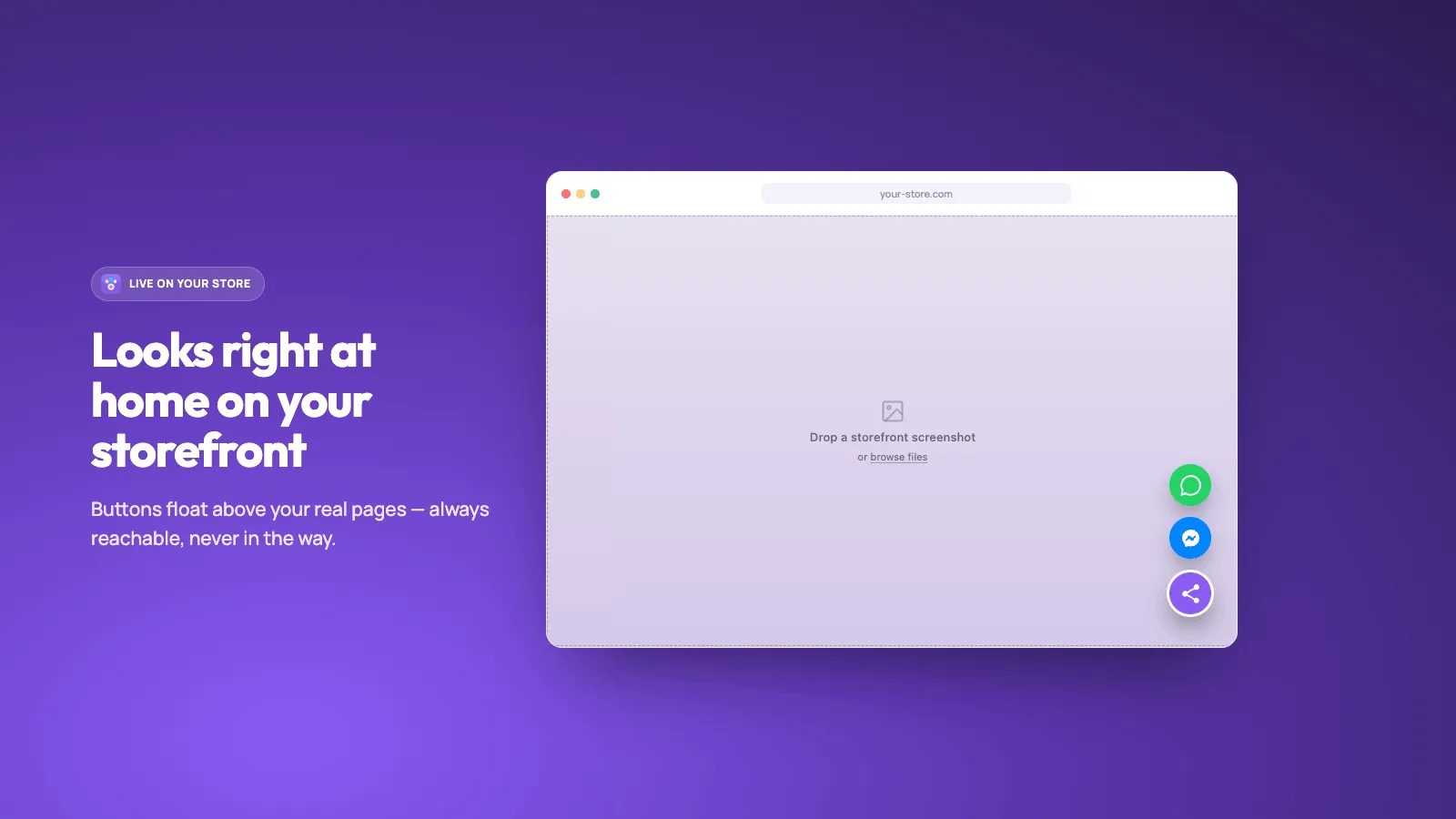
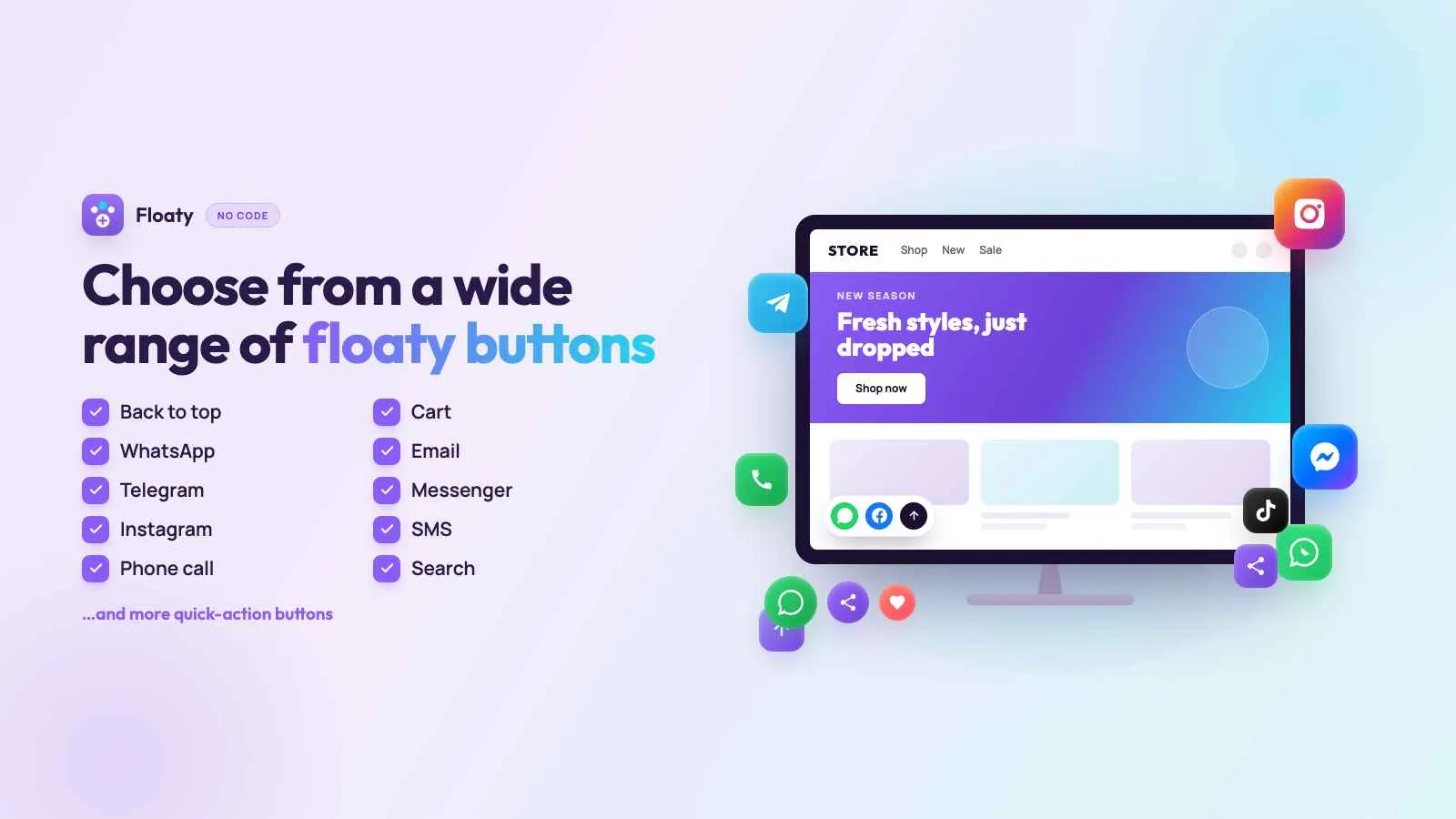
Store pages often bury social profiles and chat. Floaty keeps them on screen with a mobile-friendly floating bar. Create separate icon groups, such as Social and Contact, set size, shape, color, and position, and pick from a wide icon library that includes WhatsApp and TikTok.
Everything you need
Floating icon groups
Create separate groups, such as Social and Contact, so each set of links has its own place on the page.
Mobile bar
Use a group as a mobile bar: fixed to the bottom, a floating pill, or a floating menu, with labels and an active item.
Size, shape, and color
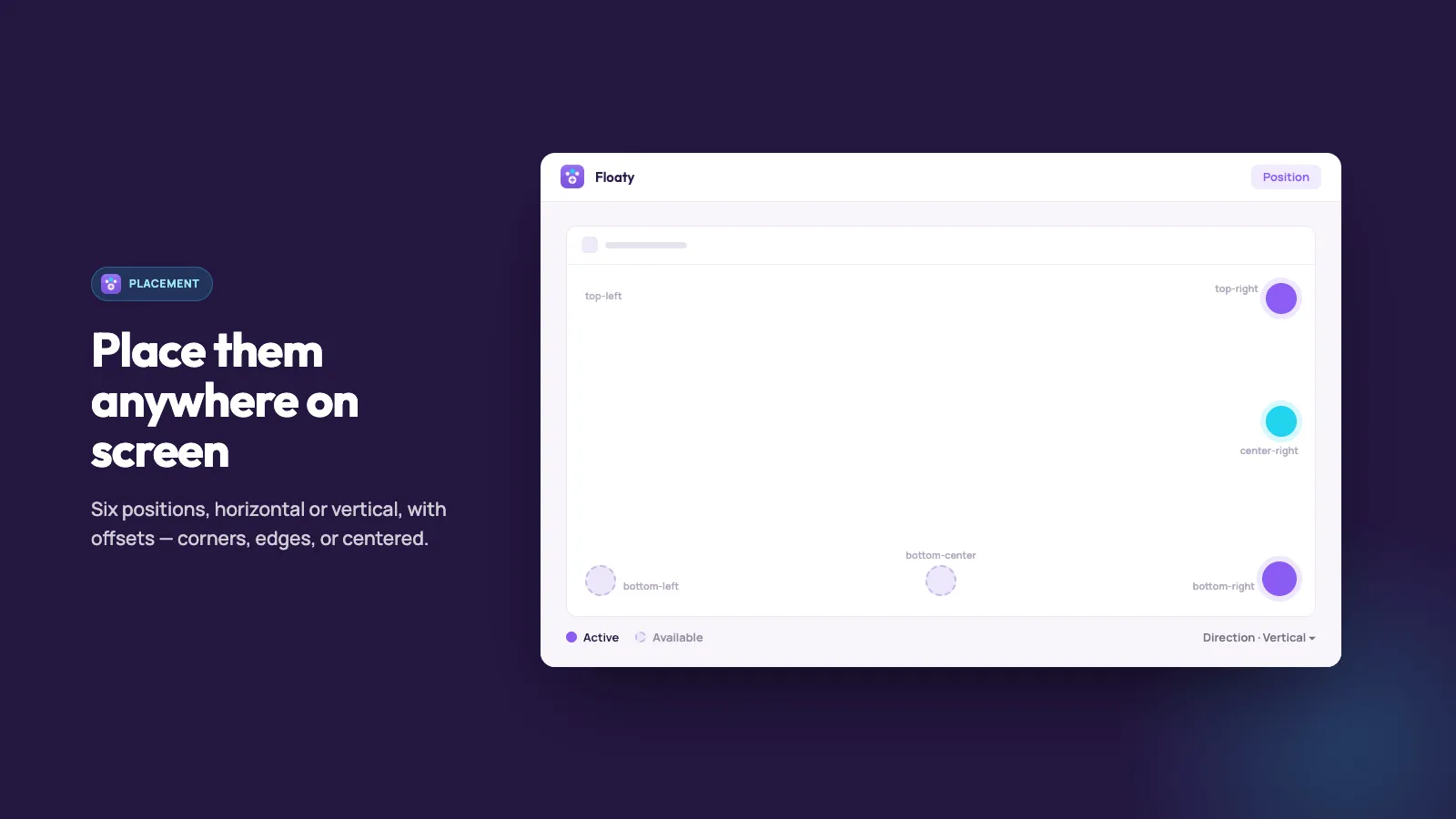
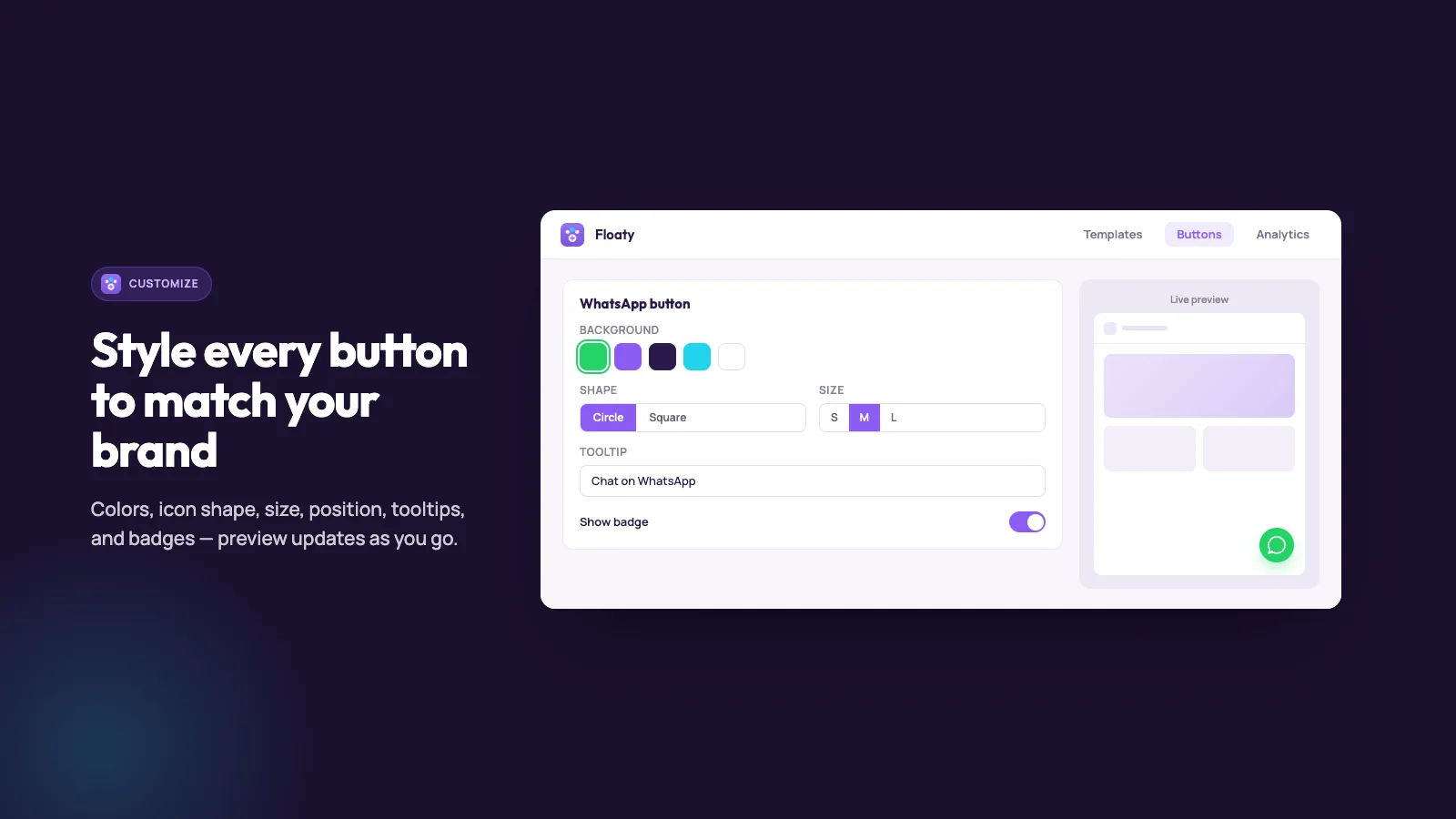
Set icon size, circle or square, colors, and where a floating group sits on the screen.
Starter templates
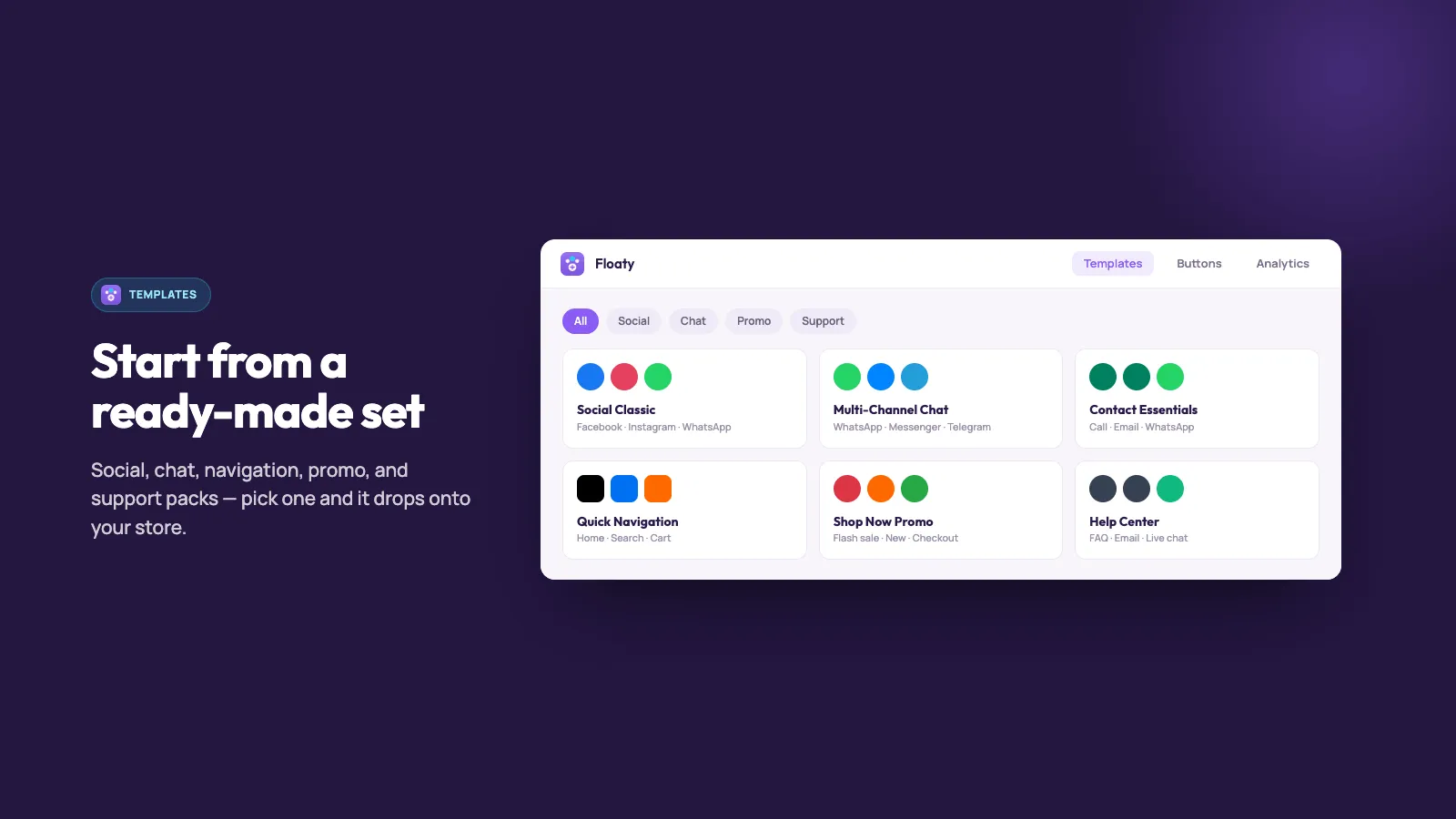
Start from a ready-made social, chat, navigation, promo, or support group instead of a blank one.
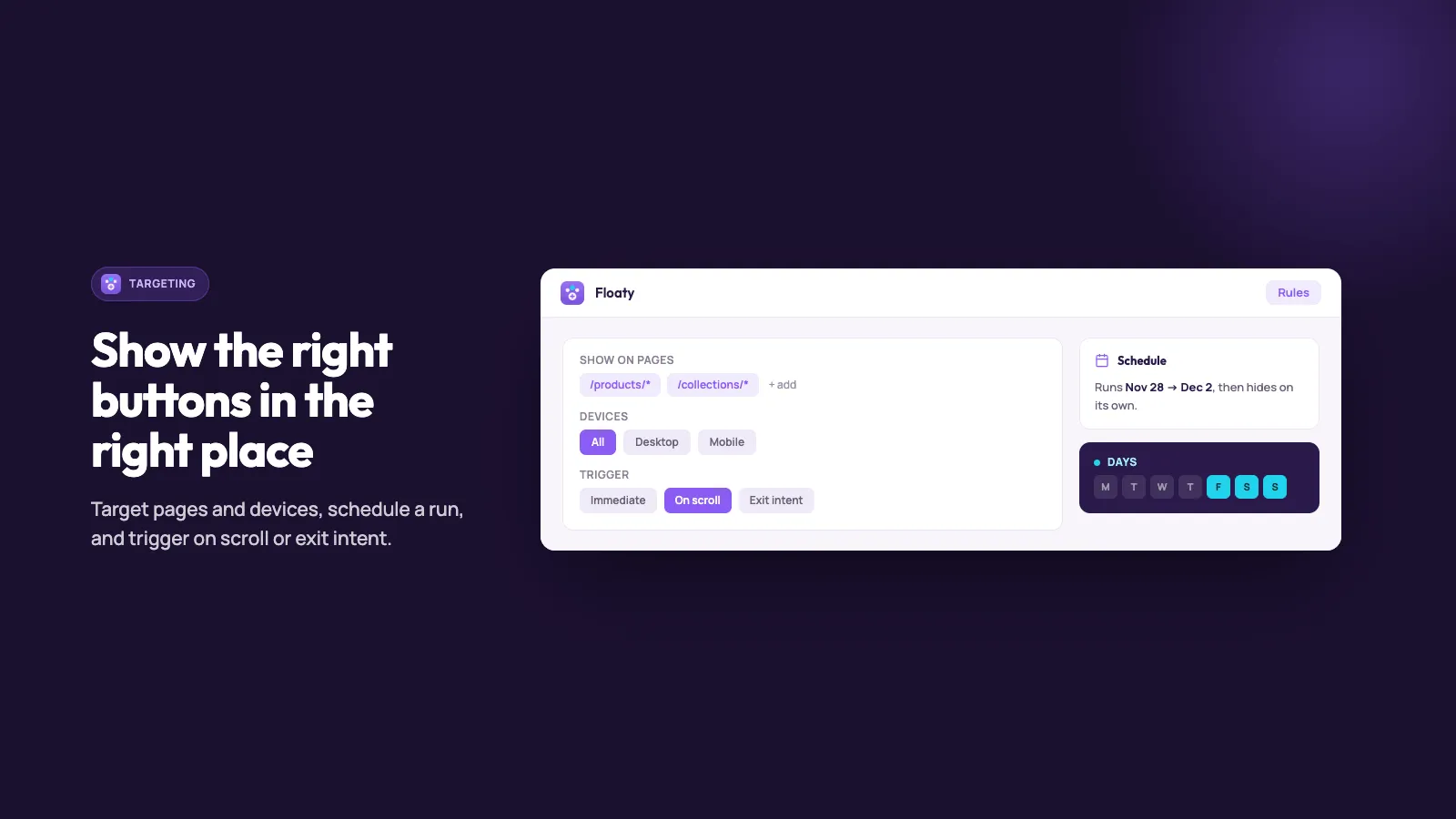
Page and device targeting
On Pro, show a group on the pages and devices you choose, on a date range, or on selected days of the week.
Click counts
On Pro, see clicks by group, action, day, and device, and export the rows.
See it in action
Simple, transparent pricing
Free
$0
- ✓ 1 icon group
- ✓ Up to 5 icons per group
- ✓ Basic customization
- ✓ Starter templates
- ✓ Standard support
Pro
Popular$4.99 /mo
- ✓ Unlimited icon groups and buttons
- ✓ Animations, shadows, and borders
- ✓ Page and device targeting
- ✓ Scheduling by date and day of week
- ✓ Delay, scroll, and exit-intent triggers
- ✓ Click analytics and CSV export
- ✓ Import and export groups
- ✓ Priority support
- ✓ 3-day free trial
- ✓ $39 a year (save 35%)
What changed
Changes that matter when you use Floaty. A new note is added when something is ready for your store.
The plan you choose applies right away
- After you pick a plan in Shopify, Floaty uses that plan as soon as you come back.
Dates follow your shop
- Dates in the admin use your shop's timezone.
Navigation bar templates
- Ready-made groups include navigation bars, not only floating buttons.
Style the mobile bar
- Style the active item, the blur behind the bar, and how the items line up.
A navigation bar, and a steadier cart button
- A group can float on the page or sit as a navigation bar.
- A cart button opens the cart more reliably.
Start from a ready-made group
- Apply a starter template instead of building every button yourself.
Who sees the buttons, and what they do
- Show a group on the pages, devices, and dates you choose.
- A button can open a link, start a call or an email, open a product or a collection, open the cart, or scroll on the page.
- See which buttons shoppers click.
- Import or export your groups.
Frequently asked questions
Where does Floaty appear? +
As a theme app embed. Turn the embed on in the theme editor, then build groups in Floaty. A group can float on the page or sit as a mobile bar.
What is on the free plan? +
One icon group, up to five icons, basic customization, starter templates, and standard support.
What does Pro include? +
Pro is $4.99 a month, or $39 a year (save 35%), with a 3-day free trial. It adds unlimited groups and buttons, animations, shadows, and borders, page and device targeting, scheduling, delay, scroll, and exit-intent triggers, click analytics with CSV export, import and export, and priority support.
Can I show buttons only on some pages? +
Yes, on Pro. Choose all pages, only the pages you list, or hide the group on pages you list, and limit it to desktop, mobile, or tablet.
How do I see what shoppers click? +
Open Analytics on Pro. Counts are split by group, action, day, and device for the last 7, 30, or 90 days, and you can export them.
The bar covers the buy button. +
Move the bar, shorten the group, or hide it on the product page. Check a phone, not only the desktop preview.
Can one group be a bar on mobile and a stack on desktop? +
Use the device rules. A phone can see the bar while desktop sees the stack, or neither.
The group shows on a page I excluded. +
Save, publish, and reload that page. The theme app also has to be on.
Can a button open the cart? +
Yes. A button can open a link, a call, an email, a product, a collection, the cart, or a point on the page.
Every button shows zero. +
The group may be off, or the theme app is off. Publish the group, turn the theme app on, then click one button yourself and look again.
Can I hide a button without deleting the group? +
Yes. Remove that button, or limit the group to the pages and devices where it belongs.